July 18, 2026 · 5 min read
Syncing Your AI Receptionist with Jobber: A Guide for Landscaping Owners
🎧 Listen to this article
The Challenge of Managing Calls in the Field
Running a landscaping business means you are rarely sitting at a desk. Whether you are operating heavy machinery or meeting with a client for an estimate, your hands are usually busy. This makes answering the phone consistently a major challenge during the peak growing season.
When a potential customer calls for a quote and hits voicemail, they often move on to the next company in the search results. You work hard to generate interest in your services, but those efforts are wasted if you cannot pick up the phone. Missing just one large project can significantly impact your monthly revenue.
How an AI Receptionist Fills the Gap
An AI receptionist acts as a front-office staff member that never takes a break. It answers every call on the first or second ring, greeting the customer professionally and gathering their contact information. It can answer basic questions about your services, such as whether you offer hardscaping or just weekly maintenance.
Unlike a traditional answering service, the AI provides a consistent experience every time. It does not get overwhelmed by multiple calls at once and never sounds tired or rushed. This ensures that every homeowner feels valued from the moment they reach out to your business.
Connecting AI to Your Jobber Account
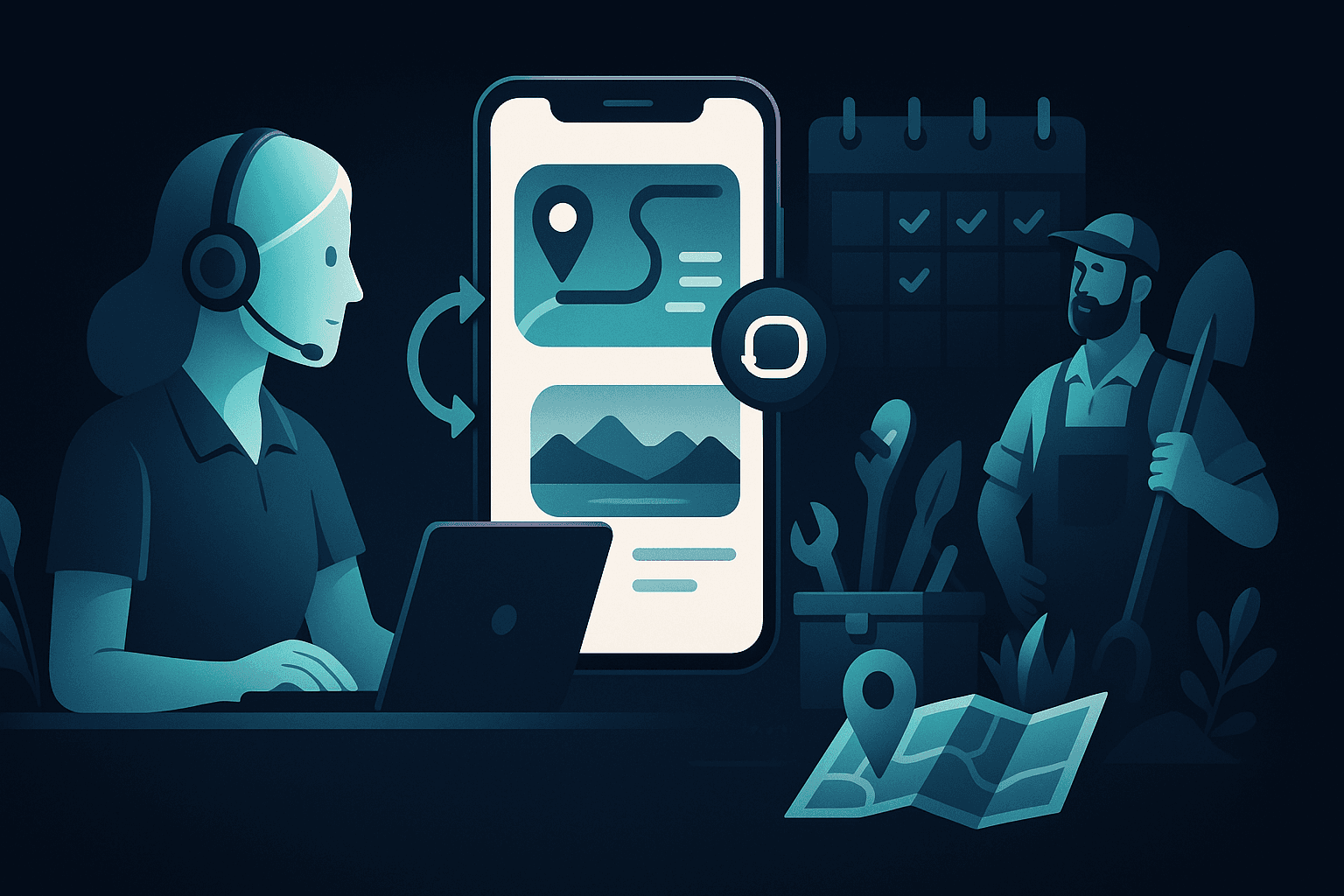
The real magic happens when you connect your AI receptionist to your Jobber account. Instead of writing down lead details on a scrap of paper or a sticky note, the AI sends the information directly into your CRM. This creates a seamless flow of data from the initial phone call to your job dashboard.
Aetrai offers integrations that allow this data to move automatically between systems. By visiting aetrai.com/integrations, you can see how the AI captures names, addresses, and service needs. This eliminates the need for you to spend your evenings manually typing lead info into Jobber after a long day of work.
Reducing Manual Data Entry
Manual data entry is prone to errors, especially when you are trying to remember details from a call you took hours ago. When the AI handles the intake, the information is recorded accurately and instantly. You can log into Jobber and see exactly who called and what they need without checking your call logs.
This automation saves you hours of administrative work every week. Instead of chasing down missed calls or trying to decipher your own handwriting, you can focus on routing your crews and finishing jobs. It turns your phone from a distraction into a streamlined part of your sales funnel.
Providing a Faster Response to Estimates
Speed is one of the most important factors in winning new landscaping contracts. Homeowners often hire the first contractor who provides a professional response and a clear estimate. By having the AI capture the lead details in Jobber immediately, you can send out estimates much faster.
You can even set up notifications so that as soon as the AI finishes a call, you get an alert to check the new lead in Jobber. This allows you to call the customer back or send a quote while the project is still fresh in their mind. It positions your business as the most responsive and professional option in your local area.
Scaling Your Business Without Adding Staff
Hiring a full-time office manager is a significant expense that many small to mid-sized landscaping companies want to avoid. Using an AI receptionist with a Jobber integration provides the same level of organization at a fraction of the cost. It allows you to handle a higher volume of inquiries without increasing your overhead.
As your business grows, this system scales with you effortlessly. Whether you are receiving five calls a day or fifty, the AI and Jobber work together to keep your schedule full and your records organized. It is a practical way to modernize your operations while keeping your focus on the quality of your field work.